
Dora Care
Your plans. Your sharing. Your choice.
Check app availability →Dora Care and Dora Grow are two apps for family members. Dora Care is for adults; Dora Grow is for children and older adults. Plan your day, share moments and keep your own space.
Adults make their own choices. Guardians help with child setup. Older adults choose the support they want.
Reduce unwanted calls. Add a confirmation before app installs. Explore contact and app protections →
Scenes and interfaces illustrate features, not identical screens or features in both apps. Check support for your app, device, region and version.
Your plans. Your sharing. Your choice.
Check app availability →Guardians help with child setup. Older adults choose the support they want.
Check app availability →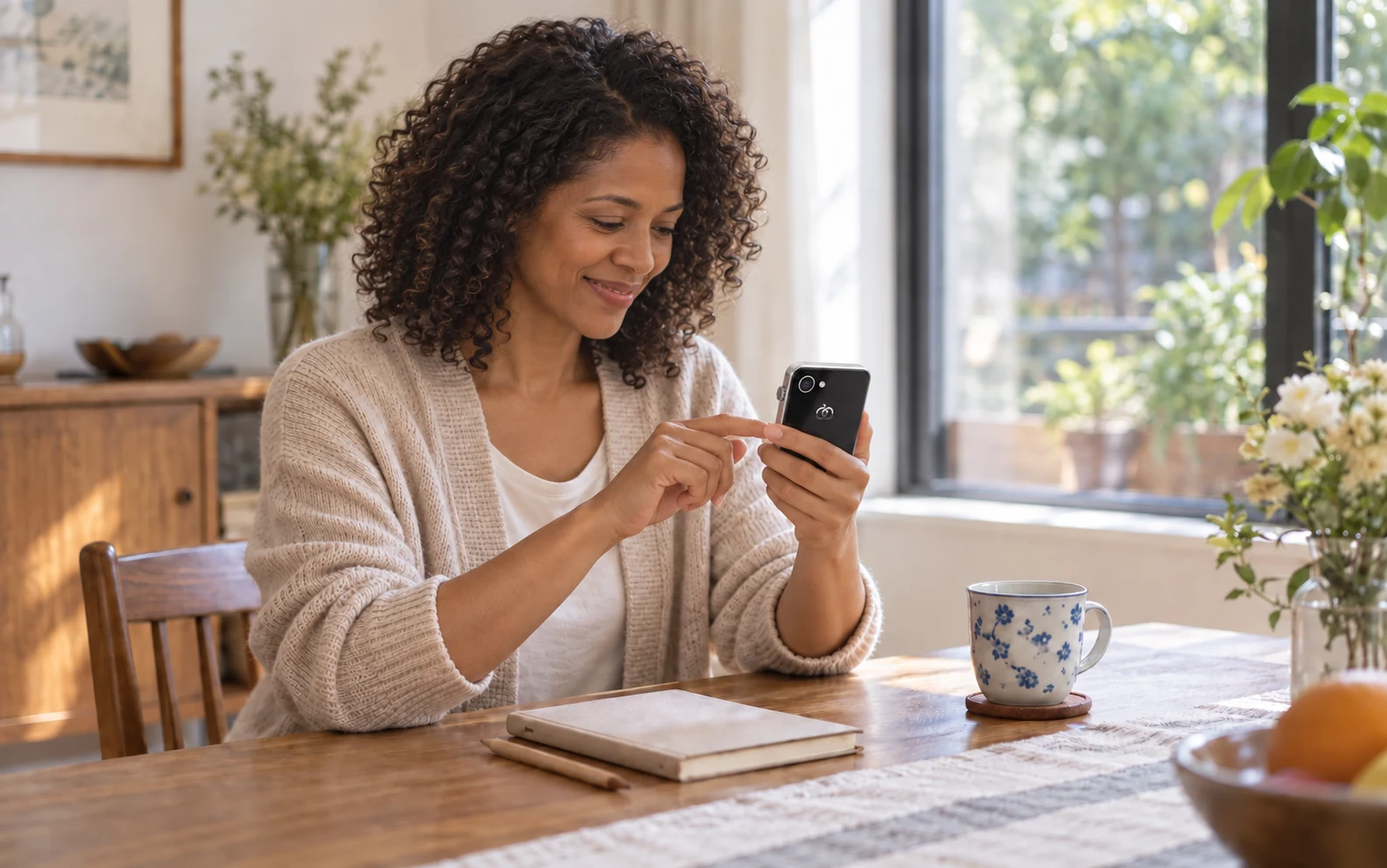
Share the plans you need to agree on, like who handles pickup or when to meet. Work, hobbies and the rest of your day can stay private.
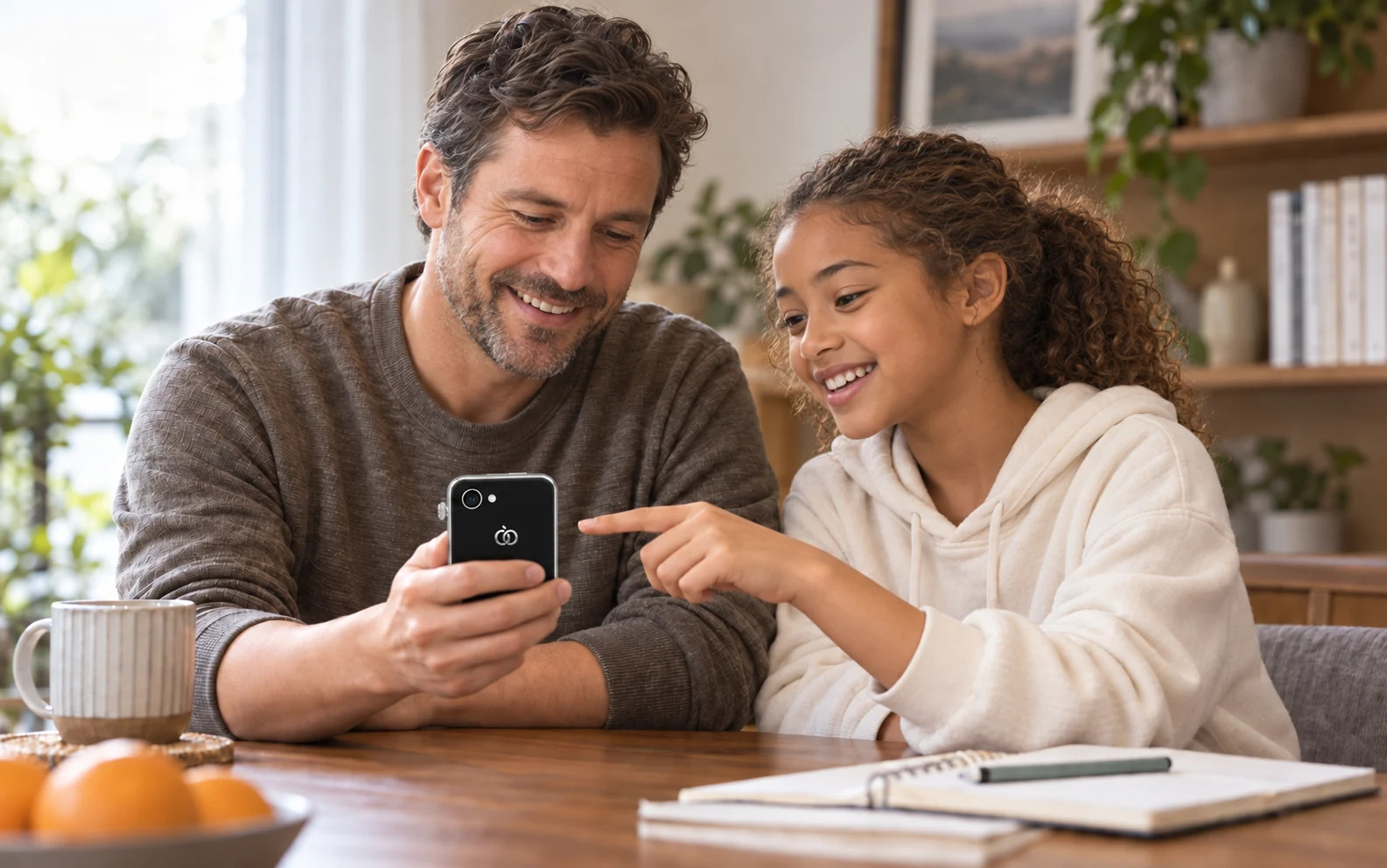
Talk about when to use the device and whom to contact, then set the rules together. For school pickup or clubs, help your child learn to call and make their own arrangements.
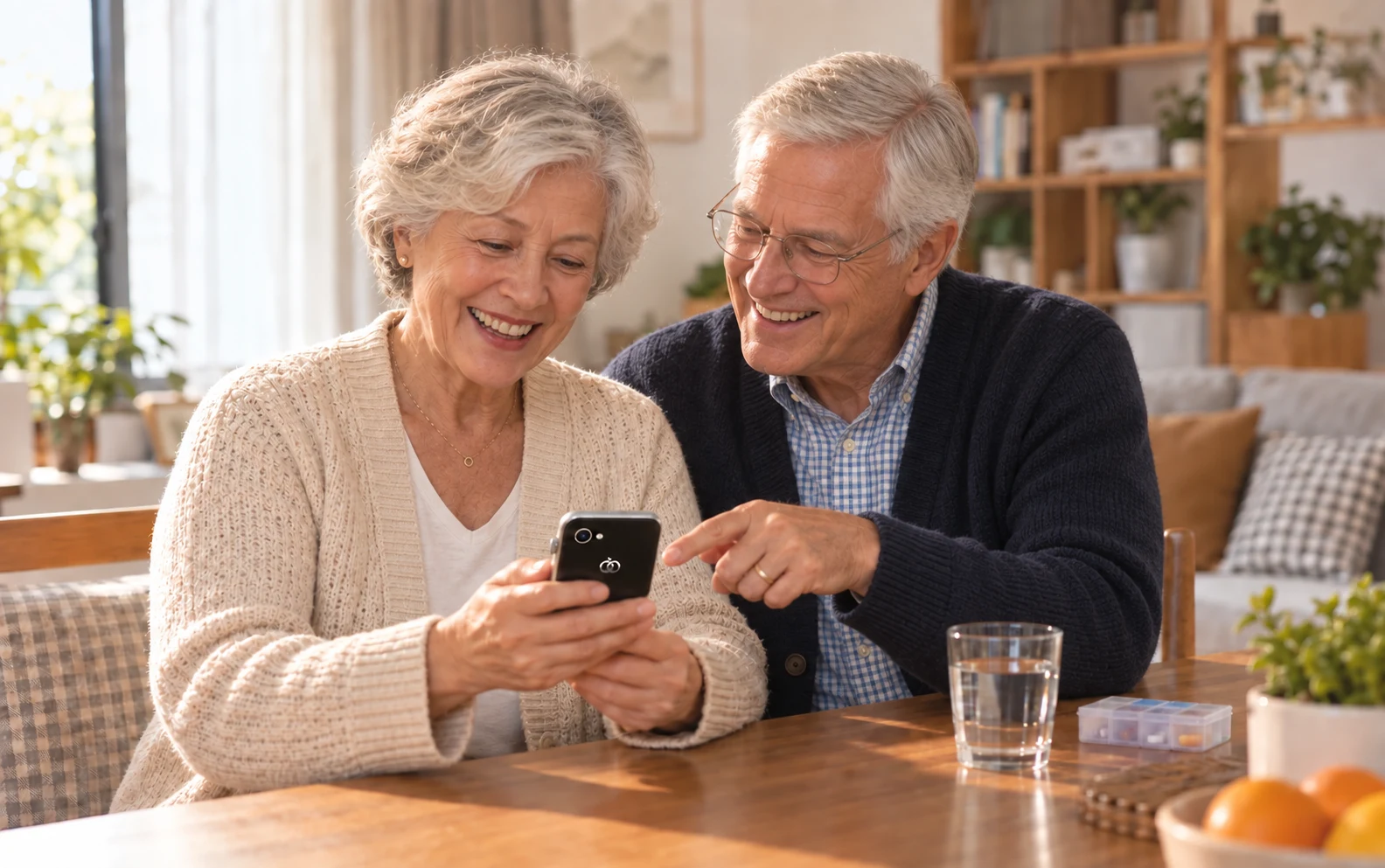
Your parents have a home and plans of their own. Even in another city, you can help with a reminder or a contact when they want it. They choose the support and what to share.
Family settings are managed through the compatible Dora app.
Adults keep independent accounts; guardians help with child setup. Dora Care and Dora Grow do not read or share private AI conversations by default. Choose the content and recipients separately, and withdraw permission when you want.
Explore privacy & accounts →Agree on plans, lend a hand when it is wanted, and share something from your day. You choose what to share and who can help.
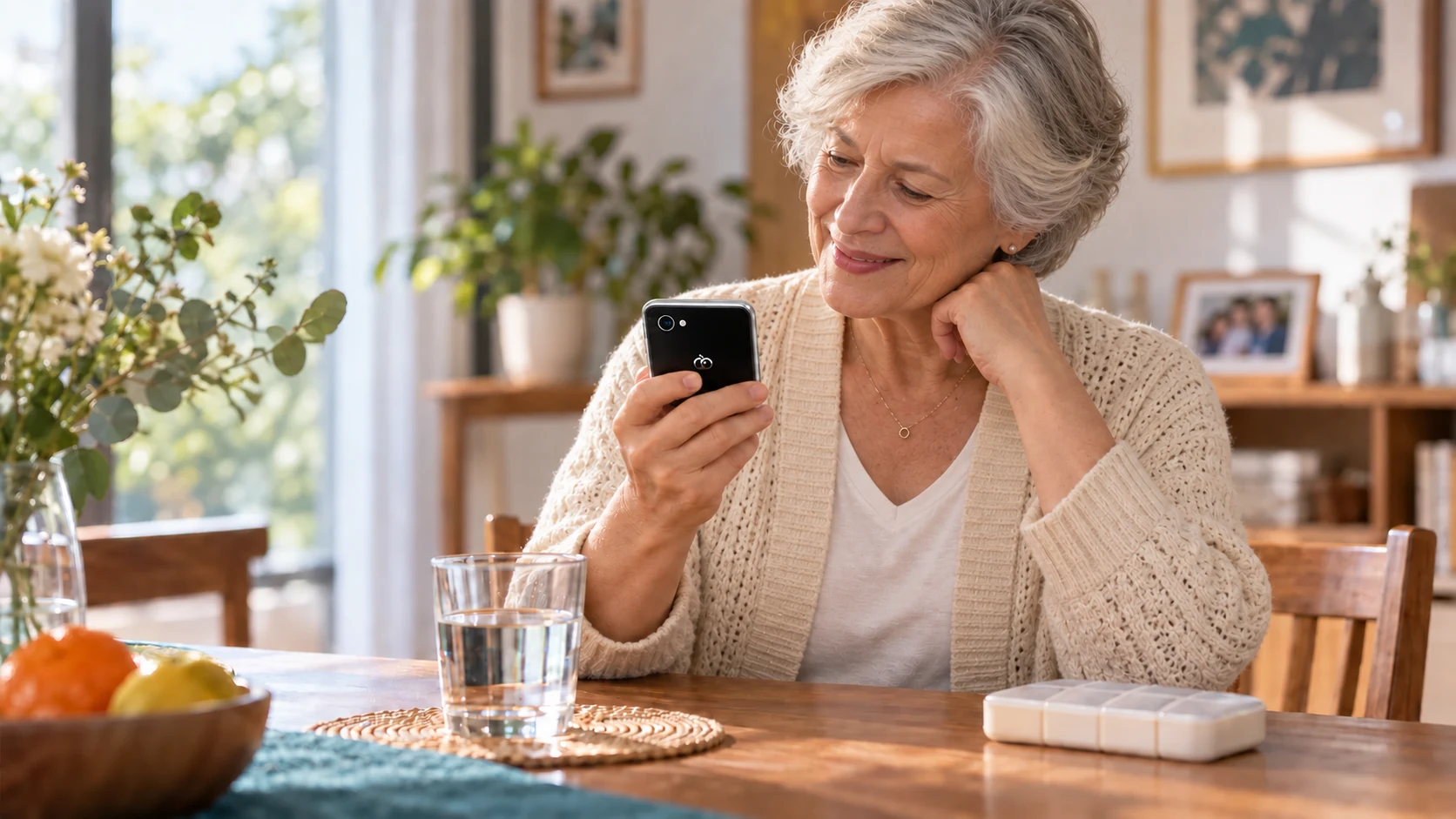
8:00 AM · At the time you set
01 / OLDER ADULTS · MEDICATION REMINDERS
Even when you live apart, you can help an older family member set a reminder in the compatible Dora app—when they want it. Check the time together. They can also ask Dora on Pocket AI Pro themselves. Accepting help and sharing plans stay their choice.
Follow medical advice for medication. A reminder does not confirm that a dose was taken.
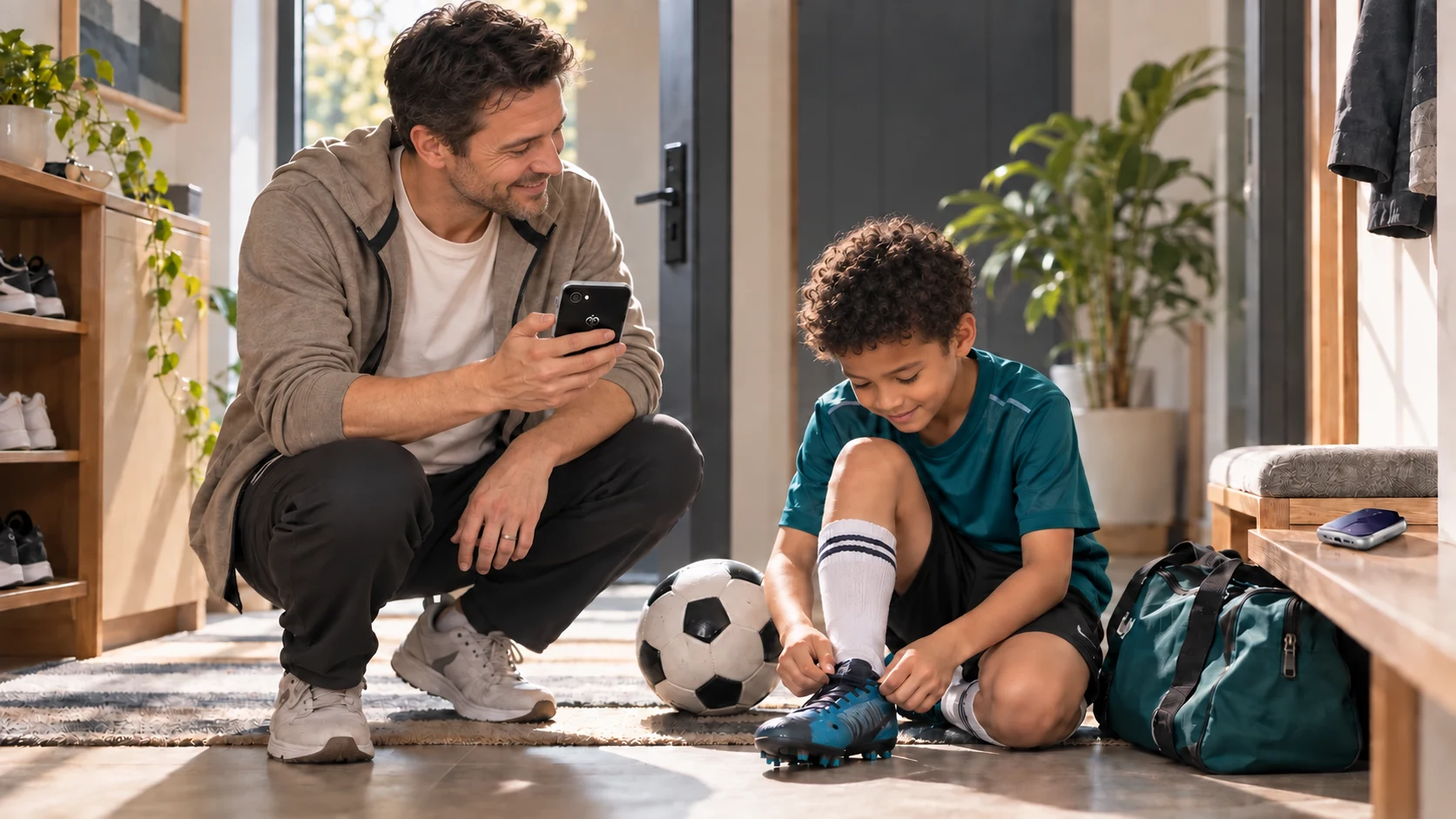
4:30 PM · Cleats and water
02 / CHILDREN · AFTER-SCHOOL ACTIVITIES
Agree on practice time, cleats and water, and who will pick up afterwards. Check the plan together before leaving. If practice finishes early, your child can call from their own device.
4:30 PM soccer practice · Remember cleats and water
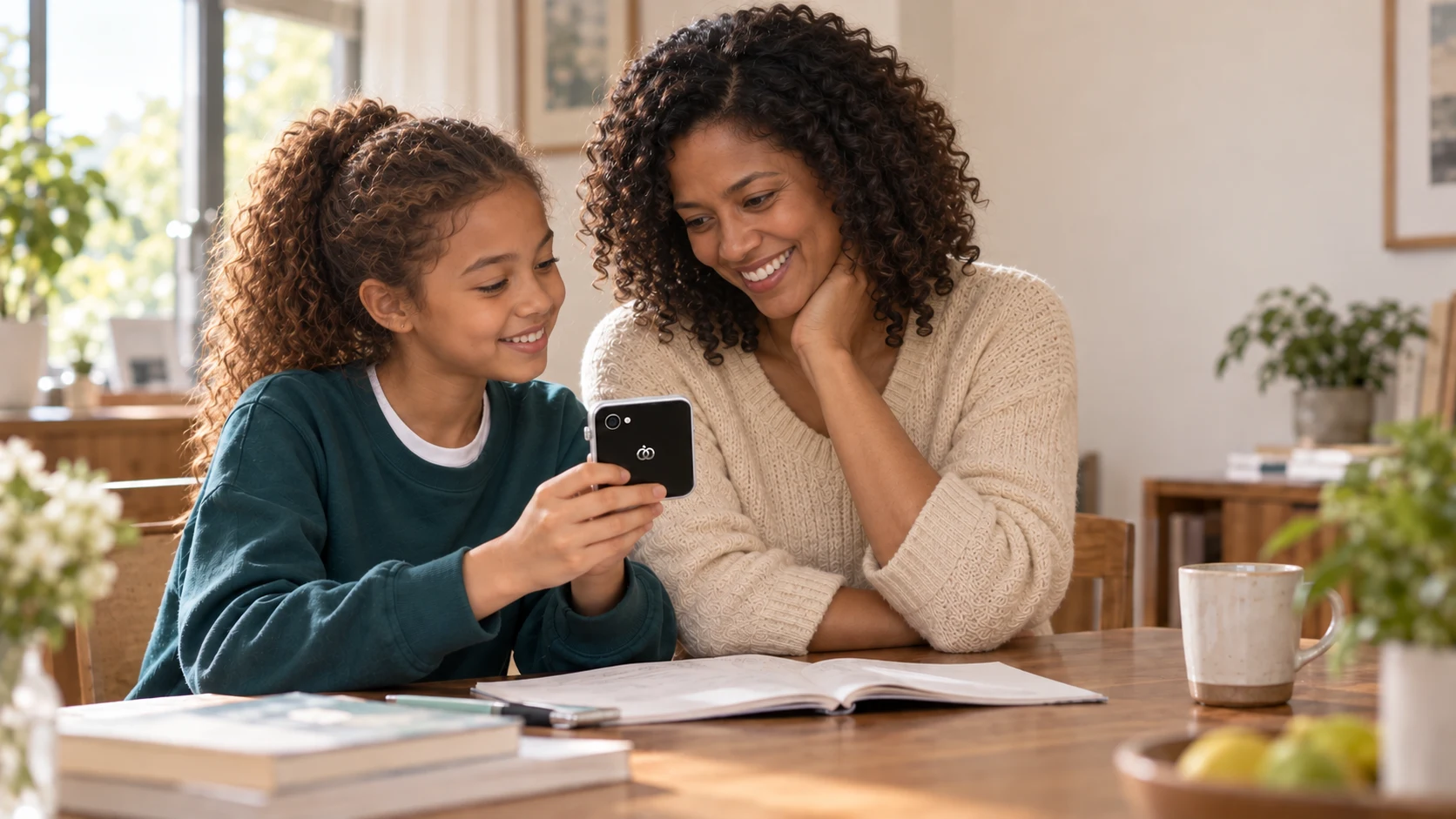
A little news for the grandparents
03 / FAMILY · SHARED PHOTOS
Grandparents in another city can be part of today’s discoveries. Choose a few photos for the compatible Dora app’s family album. Grandparents can share their own news, too.
Choose the photos and family members you share with. Your personal content stays your choice.
Scenes and interfaces illustrate features, not identical screens or features in both apps. Check support for your app, device, region and version.
Explore the same plan from different people’s views, then try withdrawing a shared item.
Only the items you choose to share appear in the corresponding member’s example view. A private work item does not become public just because someone joins the family.
This changes the example below only. No reminder is sent and no real calendar is changed. Third-party services require compatible accounts and permission.
Adults make their own choices. Guardians help with child setup. Older adults choose the support they want.
Talk with your child about when to use the device and whom to contact, then set internet and app rules. Review recent changes together and let them help plan their next activity or goal.
Explain the times and content you agree on, then complete setup with guardian permissions. Make sure your child understands the rules and how to reach family.
Guardian access does not automatically reveal every AI conversation.
Phone-based features do not require Pocket AI. Device controls require a compatible device. These examples cover different family situations; check feature support for the app and version you use.
When another guardian helps with pickup or daily contact, invite them and agree what each person can see and set. Adults and older family members give their own permission for assistance. Joining does not mean sharing everything.
Example data only. No device connection, invitation or real information sharing occurs.
Dora Care · Media coverage · Creator perspectives · Awards — to be added.
Dora Grow · Media coverage · Creator perspectives · Awards — to be added.
Find the app store channels for Dora Care and Dora Grow.
Dora Care · For adults
Download links are not available here yet. Contact us to check versions and system requirements for your chosen app and region.
Choose Dora Care or Dora Grow, then check download channels for your region and phone. Confirm services and subscriptions for the app you choose.
Phone-based features do not require a Pocket AI purchase. Device management requires a compatible device. Dora Care is for adults; Dora Grow is for children and older adults. Check phone and feature support for your chosen app.
Dora Care and Dora Grow are two apps for family members. Dora Care is for adults; Dora Grow is for children and older adults. Plan your day, share moments and keep your own space.
No. Contact, number and app rules can reduce some unwanted contact and risks, but cannot verify every caller or guarantee app safety. Adults choose their rules; family assistance requires permission that can be withdrawn. Support varies by device, region and software version.
App-based management for Home AI is also planned. The compatible app and supported features will be announced separately.
Choose a setup without social media or games while keeping managed everyday contact. Parents approve new contacts and manage group chats.
Reports bring together summaries and changes over time to help plan next tasks. A growth report does not automatically open every private AI conversation to a parent.
Yes. Older-adult support retains independent accounts; adults choose who can help and what to share, and can change or withdraw permission.
Dora Care and Dora Grow do not read or share private AI conversations by default. Assistance starts with explicit permission; review the content, recipients and withdrawal controls before sharing.
No. Location sharing requires your permission. Available options depend on your app version, device, network and region.
Subscription benefits vary by region, features, member limits and device limits. Check the applicable plan before subscribing, or contact us for details.
Choose Dora Care or Dora Grow, then check download channels for your region and phone. Confirm services and subscriptions for the app you choose.