
Your choices remembered. Your next steps supported.
With your permission, keep chosen preferences and get help with tasks through supported apps.
Supported actions vary by app, region and software version.
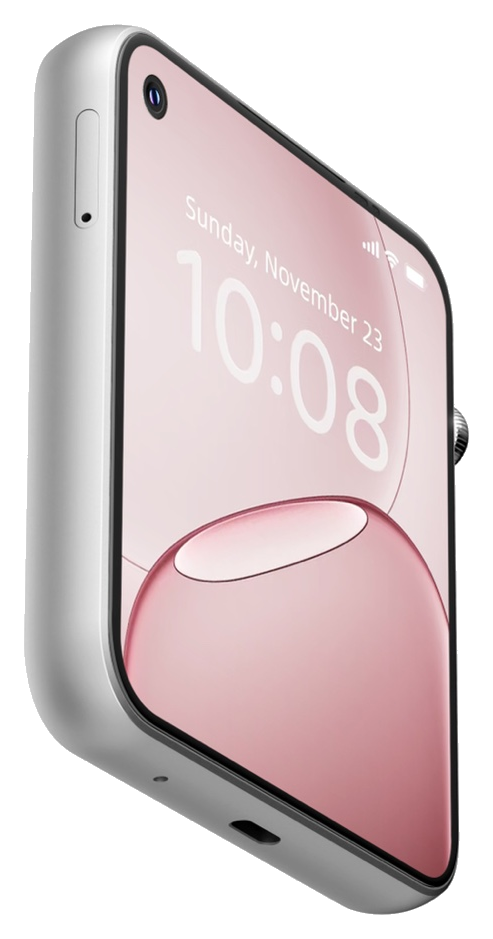
Pocket AI Pro is a compact personal AI device with independent 5G connectivity. Hold the side key to ask, chat or get help with everyday tasks. It remembers your chosen preferences for a more personal experience over time.
With Dora apps, choose contact and app protections to suit your needs. Explore protections
U.S. MSRP US$399
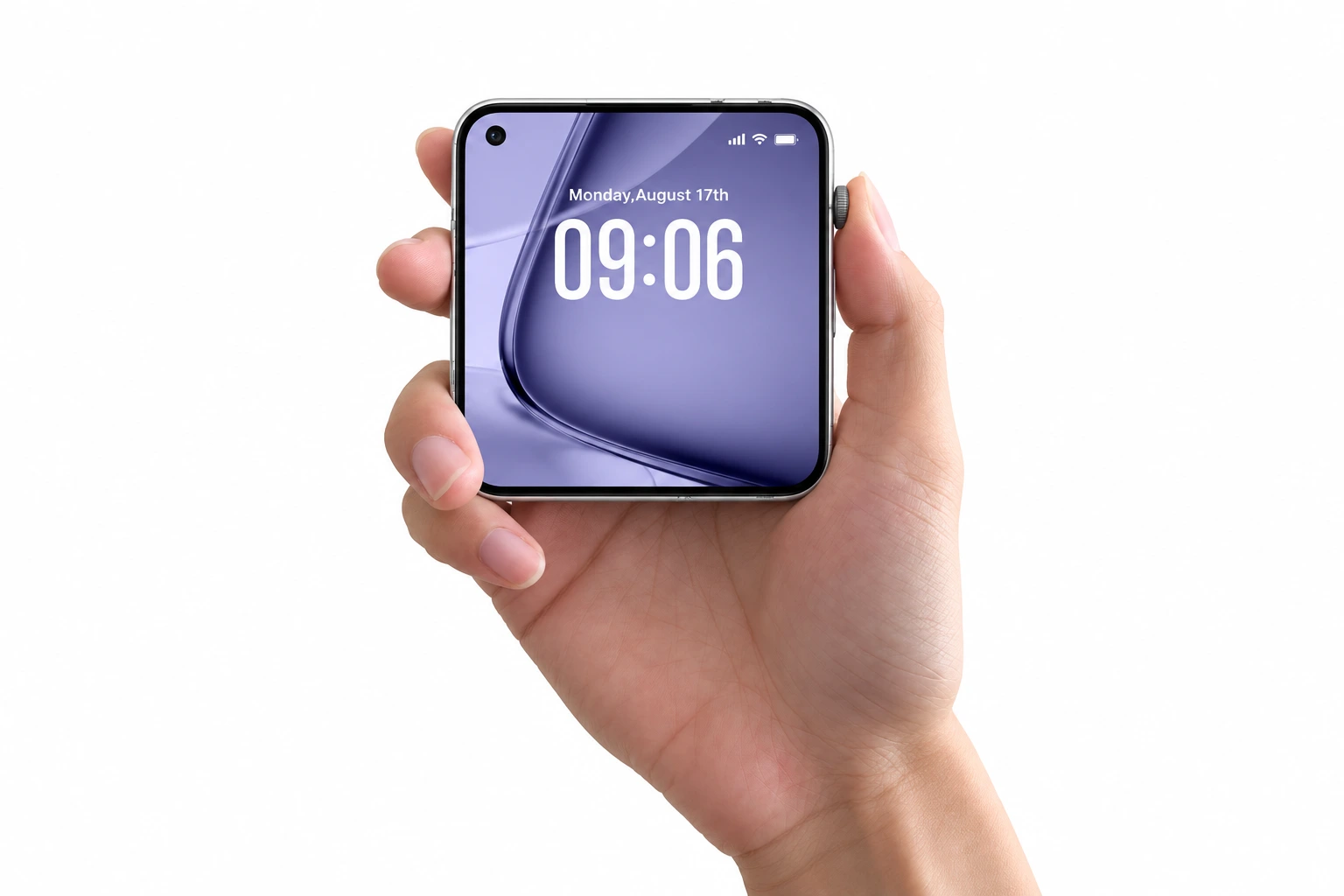

Hold the Jobs Key on the side and say what you need. No need to find an app first.
Dora is DouBuddy’s voice assistant, with everyday conversations powered by Google Gemini.
With your permission, keep chosen preferences and get help with tasks through supported apps.
Supported actions vary by app, region and software version.
An on-device model works alongside online services. Live information and cloud AI still need internet.
Not every AI feature works offline. Support varies by region and released software version.
 “I have tomatoes, eggs and spinach. What could I make for dinner?”
Tell Dora what ingredients you have and hear a meal idea. If a step is unclear, ask a follow-up.
Say what you need, review the options, then choose the next step.

YouHelp me order lunch.
Here are a few options based on your saved preference for light meals.
Choose a meal
Check the address and cost
Confirm before ordering

YouTake me to the nearest station.
Would you like to walk there from your current location?
Choose how to travel
Check your location and route
Confirm before navigating

YouHelp me get a ride to the city library.
Pick up here? Review the vehicle options and estimated fare first.
Say your destination
Check pickup, vehicle and estimated fare
Confirm before booking
You choose whether to enable memory and which preferences to keep. Ask Dora to adjust settings, and set reminders by voice or in Dora apps. Joining a family does not share personal reminders or private AI conversations by default. See your version’s settings and privacy information for memory management and deletion.
Read about permission, deletion and privacy →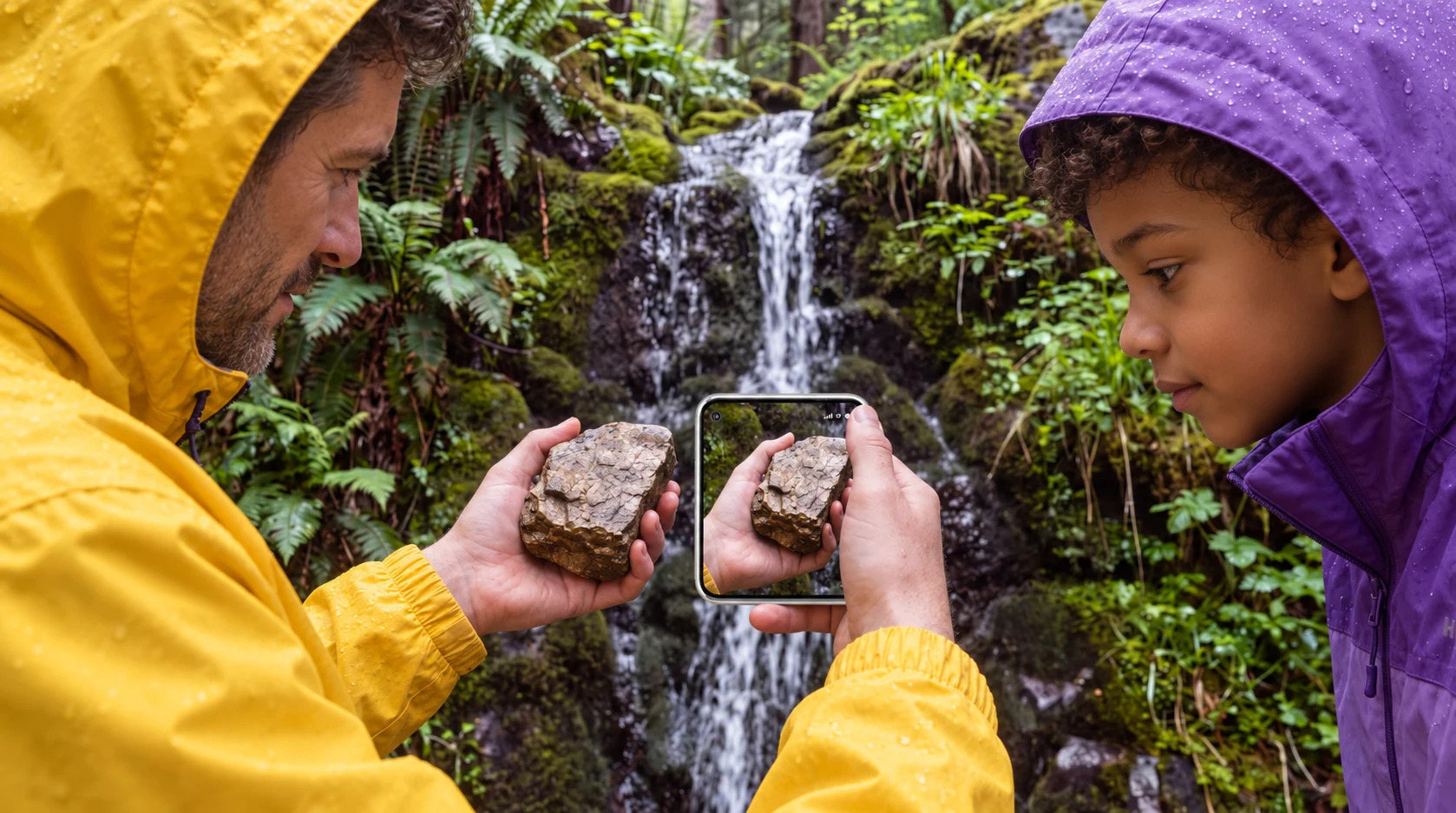 “What kind of rock might this be?”
Spot an unfamiliar rock on a walk? Take a photo and ask Dora, then explore the explanation together.
Photograph the written care instructions, ask Dora what they mean, then check the original label.

Stay focused on the discussion while Pocket AI Pro records and transcribes. Afterwards, review the summary, decisions and action items.
Ask participants for permission before recording. Check important details in AI transcripts and summaries before using them.
With everyone’s permission, record a family shopping discussion and check the list and responsibilities.
 “Make a note: we’re nearly out of detergent, and we need storage bags.”
Start a recording as you tidy and tell Dora what needs replacing. Check the list afterwards, or set a reminder to deal with it later.
Set a time for school pickup or an errand, then check the reminder on screen.
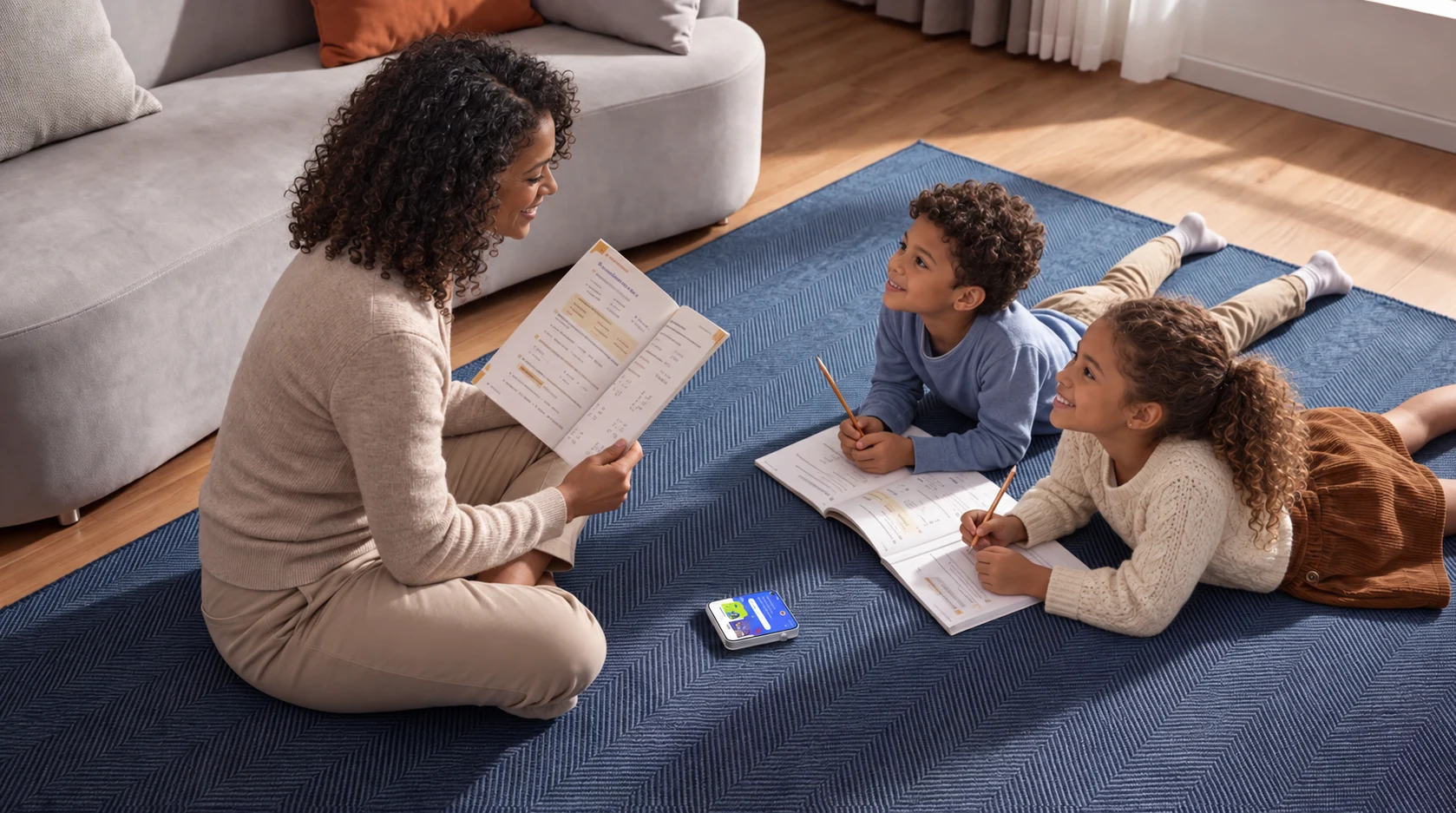
An unfamiliar word in a book or a question from a walk. Ask Pocket AI Pro for an example, then put the explanation in your own words and try it for yourself.
“Can you explain that with an everyday example?”
A parent can help younger users get set up. Check important points against learning materials. Online AI needs internet and a supported service.
Take it along, and call when plans change. Its own 5G connection supports calls, texts and compatible video services without another phone.
Share a view from your day on a video call. The 8MP front camera lets family see you, too.

Keep the compact device in an armband. Stop for a break before checking messages.

Carry it crossbody and keep your hands free. Pause to photograph a view you love.
Armbands and crossbody chains are accessory concepts; check actual fit and availability. Do not use the device during activity. Outdoor coverage varies by location and carrier.
Calls and SMS need carrier service. Video, live route information and online AI need internet and supported services. 5G depends on local coverage, compatible bands and a mobile plan; carrier charges are separate.
Without internet, Pocket AI Pro can chat, answer questions from a locally prepared knowledge base, translate in real time and run supported app actions. Installed games that support offline play remain available. Supported offline languages, resources and game titles depend on the released version. AI can initiate a call or SMS action locally, but completing the call or delivering the message needs a carrier network; live search, weather, route updates and cloud services need internet. Follow crew instructions in flight.
An on-device model does not mean all memory and reminders are processed locally.
Dora Care and Dora Grow are two apps for family members. Dora Care is for adults; Dora Grow is for children and older adults. Plan your day, share moments and keep your own space. Adults make their own choices. Guardians help with child setup. Older adults choose the support they want.
App-based management for Home AI is also planned. The compatible app and supported features will be announced separately.
Network bands and software services vary by regional version. Available storage is less than the stated capacity. Charging performance depends on accessories and conditions. IP67 does not mean the device is intended for underwater use. Weight will be announced separately.
App and service availability varies by region. Family assistance requires the compatible Dora app and the user’s permission.
It puts AI in a compact device with a dedicated key. Whether it suits you depends on how you prefer to use AI. Check support for your usual apps and services before choosing.
Yes. Use Dora apps to manage supported contacts, apps and permissions. Options vary by region and version.
Not every smartphone app is supported. Check app, payment and carrier compatibility for the released version in your region.
Pocket AI Mini focuses on lightweight wear, AI voice, photos and keeping in touch. Pocket AI Pro adds a personal AI agent, a larger screen for reviewing tasks, and front and rear cameras for photos and video calls. See the product comparison for details.
Choose for each person’s needs. Guardians take part in child setup; adults keep independent accounts.
Not automatically. Mobile plans, courses and third-party subscriptions are provided separately where applicable. Check what is included and what costs extra.
Media coverage · Creator perspectives · Awards — to be added.
MSRPUS$399
U.S. MSRP. Pricing and availability vary by country. Contact us for launch details.